How to Check a Car's Options and Features by VIN
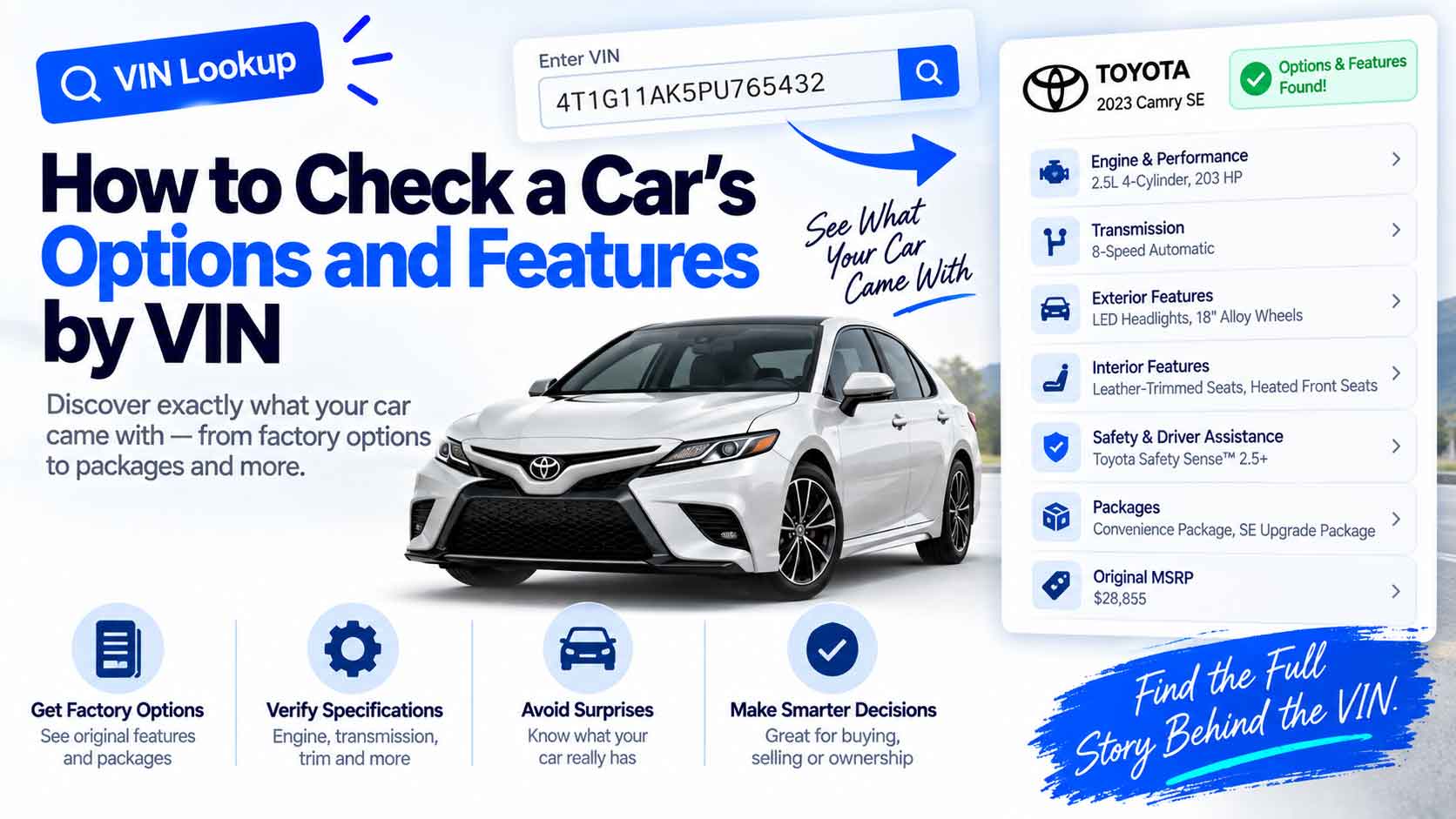
You are looking at a used car and the listing says “loaded.” What does that actually mean? Does it have the tow package, the sunroof, the upgraded stereo? The VIN can answer a lot of this, and where the VIN runs out, it points you to the document that has the rest. Here is how to check a car’s options and features by VIN, and where the real limits are.
What the VIN Tells You on Its Own
The 17 characters of a VIN carry a description of the vehicle in positions four through eight, the part called the VDS. That block encodes things like the model line, body style, restraint system, and engine. It does not spell out every option, but it pins down the version of the car you are looking at.
The fastest way to read it is a decoder. Our VIN Decoder pulls the real make, model, trim, body class, engine, and fuel type straight from the official NHTSA database. That already answers the big questions: which trim, which engine, which body style. For a walkthrough of the engine part specifically, see how to tell what engine a car has from the VIN.
Trim Level Does a Lot of the Work
Here is a shortcut most people miss: once you know the exact trim, you know most of the standard features. Trims are bundles. An EX-L or a Limited or a Platinum comes with a defined set of equipment, so confirming the trim from the VIN tells you what the car includes by default.
| If the VIN confirms… | You can assume the trim’s standard kit, such as… |
|---|---|
| A top trim (Limited, Platinum) | Leather, premium audio, driver aids |
| A mid trim (EX, SEL) | Alloys, upgraded infotainment, extra safety features |
| A base trim (LX, S) | The core equipment, fewer extras |
Confirm the trim, look up that trim’s feature list for the model year, and you have most of the answer without any extra lookup.
Where the VIN Runs Out: The Build Sheet
What the VIN does not list is every individual factory option a specific car was ordered with, the standalone extras on top of the trim. For that, you need the build sheet or the window sticker, which are keyed to the VIN but held by the manufacturer.
- The window sticker (Monroney label) lists every factory option with its price. See how to read a car’s window sticker and find it by VIN.
- The build sheet is the factory’s internal spec, often available from a franchised dealer or the maker by VIN.
- Option codes appear on a label in the glovebox, trunk, or door jamb on many cars. These short codes map to specific options, though decoding them is brand-specific.
So the practical split is simple: the VIN and its decoder give you the trim and the mechanicals, and the window sticker or build sheet gives you the exact option list.
How to Check Options Step by Step
- Get the VIN and confirm it is valid with our VIN Validator.
- Decode it with the VIN Decoder to lock down the trim, engine, and body.
- Look up the trim’s standard features for that model year to cover the bundled equipment.
- Pull the window sticker or build sheet by VIN for the individual factory options.
- Check the car in person against that list, because parts can be added, removed, or swapped after the factory.
Confirm Against the Car
The VIN and the paperwork tell you what the car left the factory with. They do not know what happened since. An owner may have added aftermarket wheels or removed a factory part. So use the VIN to build the expected feature list, then verify it against the actual car. Anything that does not match is worth a question before you buy.
Start With the VIN
Checking a car’s options starts with knowing exactly which car it is. Confirm the VIN with our VIN Validator, decode the trim and engine with the VIN Decoder, then fill in the exact options from the window sticker or build sheet. Between the two, you can turn a vague “loaded” into a real list of what the car actually has.
Keep Reading
- How to Read a Car’s Window Sticker (and Find It by VIN)
- What a VIN Tells You: Decoding Make, Model, and Year
- How to Tell What Engine a Car Has From the VIN
- How to Read a VIN: What All 17 Characters Mean
Free VIN tools: VIN Generator · VIN Decoder · VIN Validator · Bulk Generator · QR Code Generator · Barcode Generator · Visualizer