How to Check a Car's Accident History by VIN
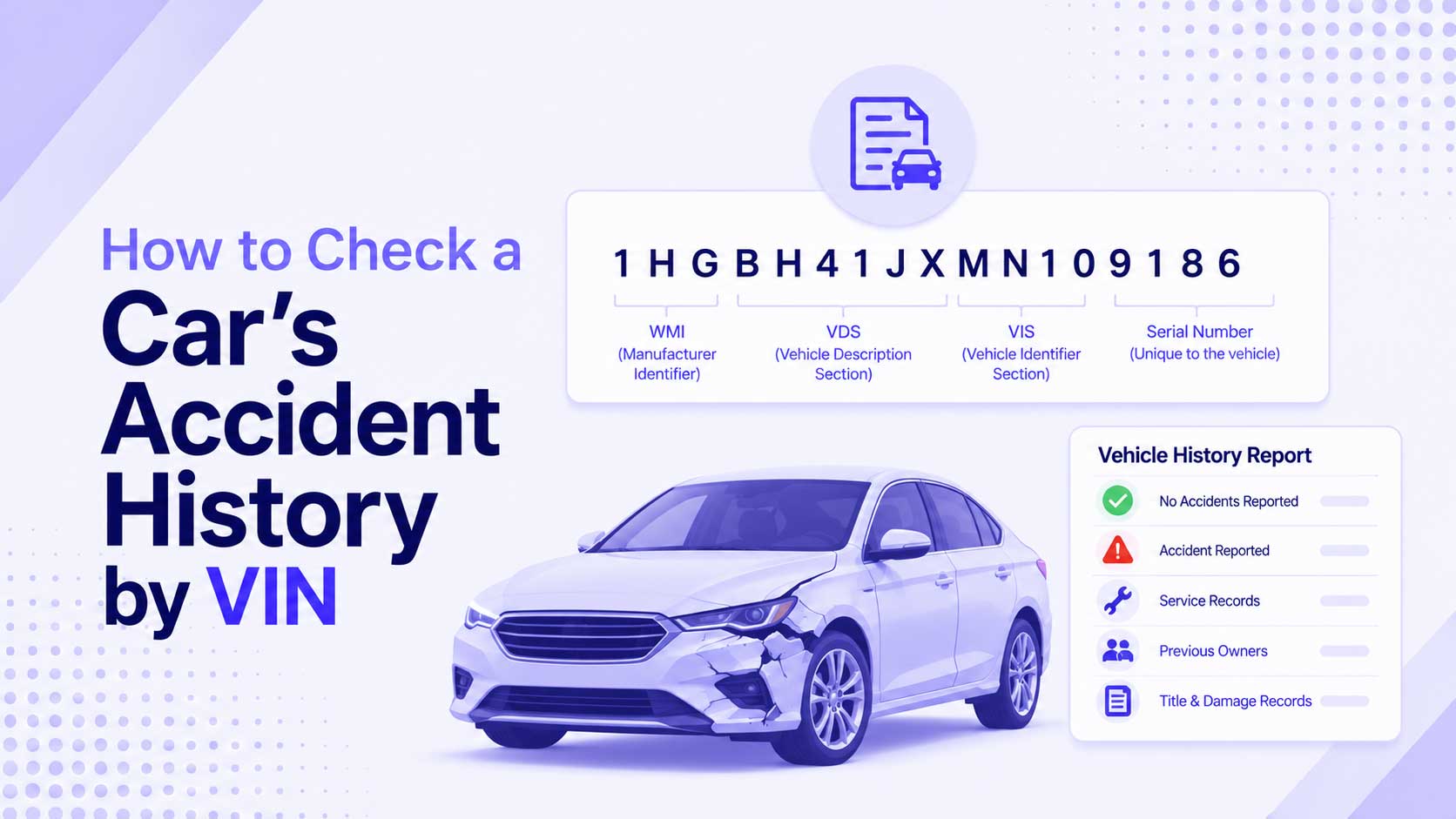
Before you buy a used car, one question matters more than most: has it been in a crash? The VIN is the key that unlocks the answer, because accident and damage records are filed against it. The VIN itself does not store the crash history, but it is the number every reporting service looks up. Here is where that history actually lives, what you can get for free, and how to read what you find.
The VIN Is the Key, Not the Record
A common misunderstanding is that the VIN contains a car’s history. It does not. The 17 characters encode the make, model year, plant, and a serial number, and nothing about where the car has been. What the VIN does is act as the unique identifier that databases use to file and retrieve records.
So “checking accident history by VIN” really means handing that VIN to a service that holds crash, insurance, or title data and reading back what it has on file. First, make sure the VIN is genuine by running it through our VIN Validator, because a wrong VIN pulls the wrong car’s history.
Where Accident Records Come From
Damage and accident data is scattered across several sources, and no single one sees everything:
| Source | What it holds |
|---|---|
| Insurance claims | Reported crashes, payouts, total losses |
| Police reports | Accidents attended by police |
| State title records | Salvage, rebuilt, and total-loss brands |
| Repair and auction data | Body shop records, auction damage notes |
| NMVTIS | Title, brand, and total-loss data across states |
The most complete picture comes from combining them, which is what paid history reports try to do. But a crash that was never reported to insurance or police may leave no trace at all.
What You Can Check for Free
You do not have to pay to start. Several checks cost nothing:
- NMVTIS-approved providers. The National Motor Vehicle Title Information System is a federal database of title and total-loss records. Reports are cheap, and it is the official source for title brands.
- Manufacturer recall lookup. Free by VIN, and while it is not accident data, open recalls matter for a used car. See how to check open recalls by VIN.
- Free-report promotions. Some dealers and services offer a free basic history report on a listing. Read what it actually covers.
- A careful physical inspection. Mismatched paint, uneven panel gaps, and replaced parts often reveal a repaired crash the paperwork missed.
Free sources will not always show a minor fender-bender, so treat a clean free report as encouraging, not final.
What the Records Look Like
When a report does show an accident, it usually lists the date, a severity note (minor, moderate, severe), the airbag status if known, and sometimes the location. A total-loss or salvage brand is the strongest signal: it means an insurer decided the car was not worth repairing. That ties directly into the title, which you can read more about in what a salvage or rebuilt title VIN tells you.
If the history shows a severe accident or a salvage brand, that is not automatically a dealbreaker, but it is a reason to get an independent mechanic’s inspection before you buy.
A Simple Step-by-Step
- Get the VIN from the dashboard, door jamb, or title. Our guide on where to find your VIN shows every spot.
- Confirm it is valid with the VIN Validator so you are checking the right car.
- Decode it with the VIN Decoder and confirm the make, year, and country match the listing.
- Run it through an NMVTIS provider and any free report you can get.
- Inspect the car in person and have a mechanic check for repaired damage.
- Cross-check the report against what the seller told you. Gaps or contradictions are a warning.
Why the VIN Has to Match
Every step above depends on using the real VIN for that exact car. Sellers rarely tamper with it, but VIN cloning does happen, where a stolen car wears a VIN copied from a legitimate one. If the history looks too clean for a car’s age and condition, that is worth a second look. Our article on how VIN cloning scams work explains the red flags.
Start With the VIN
Accident history lives in databases, and the VIN is how you reach it. Confirm the number first with our VIN Validator, decode it with the VIN Decoder, then run it through the title and history sources above. A few minutes of checking beats an expensive surprise after the sale.
Keep Reading
- What a Salvage or Rebuilt Title VIN Tells You
- How to Check If a Car Is Stolen Using the VIN
- How to Check Open Recalls by VIN
- How VIN Cloning Scams Work (and How to Protect Yourself)
Free VIN tools: VIN Generator · VIN Decoder · VIN Validator · Bulk Generator · QR Code Generator · Visualizer