How to Create a VIN Barcode (Free, No Signup)
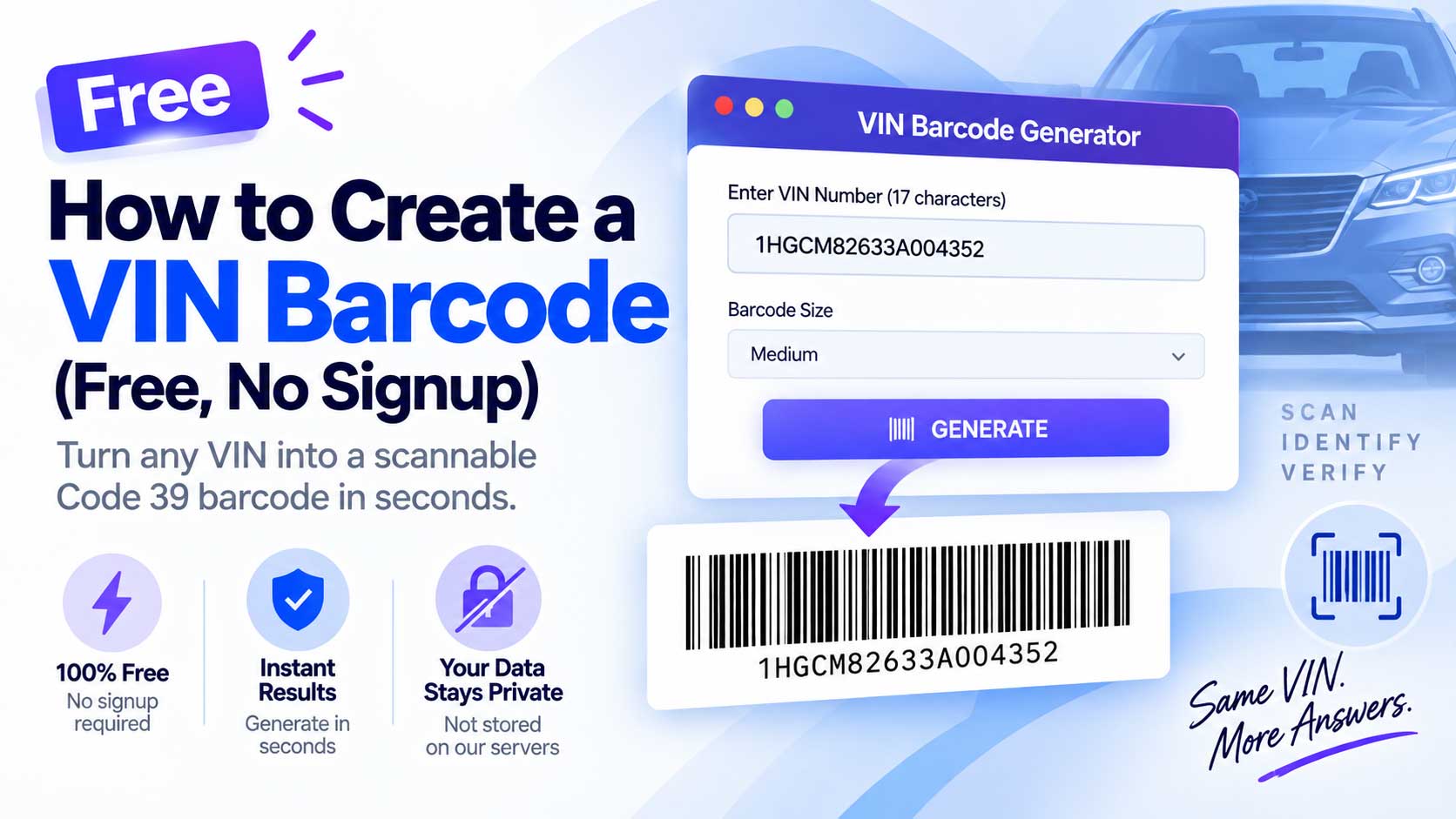
Look at the sticker inside a car’s driver door and you will see the VIN printed twice: once as text, and once as a barcode. That barcode is how shops, dealers, and DMV systems scan a VIN instead of typing 17 characters by hand. You can make the same kind of barcode for any VIN in a few seconds, for free. Here is how a VIN barcode works, which format to use, and how to create one.
What a VIN Barcode Is
A VIN barcode is a scannable barcode that stores a Vehicle Identification Number. Point a barcode scanner at it and the full 17-character VIN appears, with no typing and no transposed characters.
The standard format is Code 39, a linear (one-dimensional) barcode made of tall vertical bars. Code 39 handles the letters and numbers a VIN uses, and it is exactly what the factory prints on the door-jamb label. That is why scanners and many dealer and DMV systems expect Code 39 when they read a VIN.
Barcode or QR Code?
Both store a VIN, but they are built for different jobs.
| Feature | Code 39 barcode | QR code |
|---|---|---|
| Shape | Row of vertical bars | Square grid of dots |
| Read by | Laser barcode scanner | Any phone camera |
| Matches | Factory door-jamb label | Apps and custom tags |
| Damage tolerance | Lower | Higher |
If you need the traditional format that matches factory labels and works with a scanner, make a barcode. If you want something a phone camera reads easily, make a QR code with our VIN QR Code Generator. Many shops use both.
How to Create a VIN Barcode for Free
You do not need software or an account. Our VIN Barcode Generator does it in the browser:
- Enter the VIN. Type or paste the 17-character number.
- Pick a size. Choose small, medium, or large bars.
- Generate the barcode. A Code 39 barcode appears with the VIN printed beneath it.
- Download or print it. Save it as a PNG image, then print it on a label, a file, or a work order.
The barcode is created on your device, and the VIN is not stored anywhere.
Make Sure the VIN Is Right First
A barcode is only as good as the number inside it. Encode a wrong VIN and every scan repeats the mistake, so confirm the number before you generate the code. Run it through our VIN Validator to check the length, characters, and check digit, or use the VIN Decoder to confirm it matches the vehicle. Once the VIN checks out, generate the barcode and every scan will be correct.
How to Scan a VIN Barcode
Code 39 is read by a standard laser or CCD barcode scanner, the same kind used at parts counters and service desks. Many inventory and shop-management apps also scan Code 39 through a phone camera. When scanned, the barcode returns the VIN as plain text, ready to drop into your system.
If your team only has phones and no scanner, a QR code may be the easier choice, since every phone camera reads QR natively. This is the main practical reason to pick one format over the other.
Where VIN Barcodes Are Used
A scannable VIN barcode saves time anywhere a VIN gets entered by hand:
- Repair shops. Attach the barcode to the work order so the VIN travels with the job.
- Dealership inventory. Tag each vehicle and scan it into the system.
- Parts departments. Link a part or a file to the right vehicle by scan.
- Fleet management. Check vehicles in and out without manual entry.
- Auctions. Identify high volumes of vehicles quickly and reliably.
In every case the point is the same: fewer keystrokes, fewer errors. One wrong character sends a record to the wrong vehicle, and a scan removes that risk.
Tips for a Barcode That Scans Every Time
- Test it once before printing a batch.
- Keep the bars sharp by printing at high resolution.
- Use black bars on white for the best contrast.
- Leave clear space on both ends of the barcode so the scanner can find it.
- Keep the VIN text under the bars as a human-readable backup.
Create One Now
Making a VIN barcode should not cost anything or require a login, and ours does neither. Enter a VIN in the VIN Barcode Generator, download the image, and print it wherever you need a quick, scan-ready way to pull up a vehicle. For a walkthrough of what the VIN itself means, see our guide on how to read a VIN.
Keep Reading
- How to Create a VIN QR Code (Free, No Signup)
- How to Read a VIN: What All 17 Characters Mean
- Where to Find Your VIN: Every Location on Your Vehicle
- How to Check If a VIN Is Valid (and Spot a Cloned One)
Free VIN tools: VIN Generator · VIN Decoder · VIN Validator · Bulk Generator · QR Code Generator · Barcode Generator · Visualizer