How Small Can a VIN QR Code or Barcode Be and Still Scan?
Every shop that prints VIN labels hits the same question sooner or later: how small can I make this before it stops scanning? Most guides answer with a rule of thumb. We ran a test instead.
We generated QR codes and Code 39 barcodes for 20 different VINs, shrank them, smudged them, tilted them, and tried to read every one back. This post shares what held up and what broke, plus the label sizes that follow from it.
The short answer
- QR code: print each square as at least 2 printer dots. At 300 dpi that makes a code about 5.6 mm wide, border included. Go bigger if you can.
- QR code, phone scanning: in our test a reader needed about 3 camera pixels per square to be reliable. Size the label so the code fills a good part of the frame.
- Code 39 barcode: the VIN version is long, about 10 times the width of a QR code with the same size squares, and it only reads when it is nearly straight. Make the bars tall.
How we tested
We used the same 20 VINs for every round. Each code was drawn at a set number of printer dots per square, then run through a simulated print and a simulated camera: slight blur, a little sensor noise, and in some rounds a tilt. Two open-source readers tried to decode each image, ZXing and jsQR for QR codes, and ZXing for Code 39. A result of 20/20 means every VIN came back exactly right.
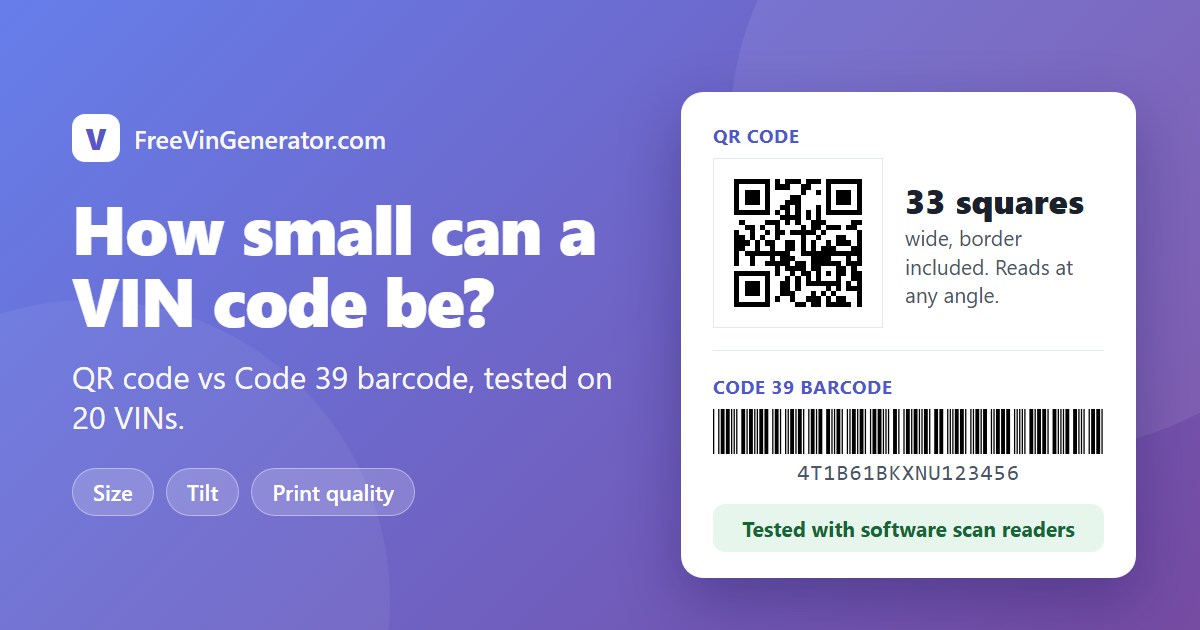
The QR codes were built the way our VIN QR code generator builds them: 25 by 25 squares plus a 4-square blank border on each side, so 33 squares across. The barcodes were Code 39 like our VIN barcode generator makes.
One limit up front. These are software readers and simulated prints, not a warehouse scanner or your phone. They show where things break and why, but scan a real printed sample before you print a batch.
Test 1: how many printer dots per square?
A printer builds each square out of dots. Ink can spread (dot gain, bold print) or fall short (dot loss, thin print). We tried both, lightly and heavily.
| Printer dots per square | Perfect print | Light dot gain | Heavy dot gain | Light dot loss | Heavy dot loss |
|---|---|---|---|---|---|
| 1 | 20/20 | 20/20 | 0/20 | 18/20 | 0/20 |
| 2 | 20/20 | 20/20 | 20/20 | 20/20 | 20/20 |
| 3 | 20/20 | 20/20 | 20/20 | 20/20 | 20/20 |
(Scores show the weaker of the two readers.) At 1 dot per square the code survives a clean print and fails the moment the ink misbehaves. At 2 dots it read every time, even in the heavy cases. We also ran 4 and 6 dots, and they read just as well, apart from a single missed read out of 200 in the 6-dot row.
Test 2: how many camera pixels per square?
A camera sees your label as pixels. We tilted the image 8 degrees, a modest angle, used a clean print, and changed how many camera pixels covered each square.
| Camera pixels per square | jsQR | ZXing |
|---|---|---|
| 1 | 0/20 | 0/20 |
| 1.5 | 2/20 | 20/20 |
| 2 | 20/20 | 4/20 |
| 3 | 20/20 | 20/20 |
| 4 | 20/20 | 20/20 |
The two readers fail in different places, so neither alone is a safe guide. At 3 pixels per square both read everything. A code 33 squares wide then needs about 100 pixels across it in the camera image. A live phone preview has fewer pixels than a saved photo, so fill more of the frame than the numbers alone suggest.
Test 3: tilt
At 6 camera pixels per square, we rotated QR codes by 0, 10, 20, 30, 45 and 90 degrees. Both readers got 20/20 at every angle. A QR code does not care which way it points.
Code 39 is different. A barcode reader draws a line across the bars, and the line has to cross every bar from first to last. If the barcode tilts too far, the line leaves the bars before the end. So the safe tilt depends on how tall the bars are compared to the barcode length. Our VIN barcode was 324 dots long.
| Bar height | Read at up to | Failed at | Rough limit (height divided by length) |
|---|---|---|---|
| 40 dots | 6 degrees | 8 degrees | about 7 degrees |
| 60 dots | 8 degrees | 12 degrees | about 10 degrees |
| 100 dots | 12 degrees | 20 degrees | about 17 degrees |
The measured limits sit just under the simple geometry. Tall bars buy you tolerance for free.
What it means for label size
The dimensions come from the tests: a VIN QR code is 33 squares wide, and a VIN Code 39 barcode with its blank ends is 324 bar widths long.
| Printed at | Dots per square or bar | QR code width | Code 39 width |
|---|---|---|---|
| 300 dpi | 2 | 5.6 mm | 54.9 mm |
| 300 dpi | 3 | 8.4 mm | 82.3 mm |
| 600 dpi | 2 | 2.8 mm | 27.4 mm |
| 600 dpi | 3 | 4.2 mm | 41.1 mm |
So the QR code is roughly one tenth as wide as the barcode at the same print quality, and its shape is square, which helps on small tags and key fobs.
What we would do
- Print squares of at least 2 dots, and 3 if the surface is rough or the printer is cheap.
- Keep the blank border. The 4-square margin is part of the code, not decoration.
- Use the SVG download for label printers so the code stays sharp at any size. The QR generator offers both PNG and SVG.
- Give barcodes tall bars and keep them level on the part.
- Scan one printed sample with the device your team will really use.