How to Check for Flood Damage by VIN
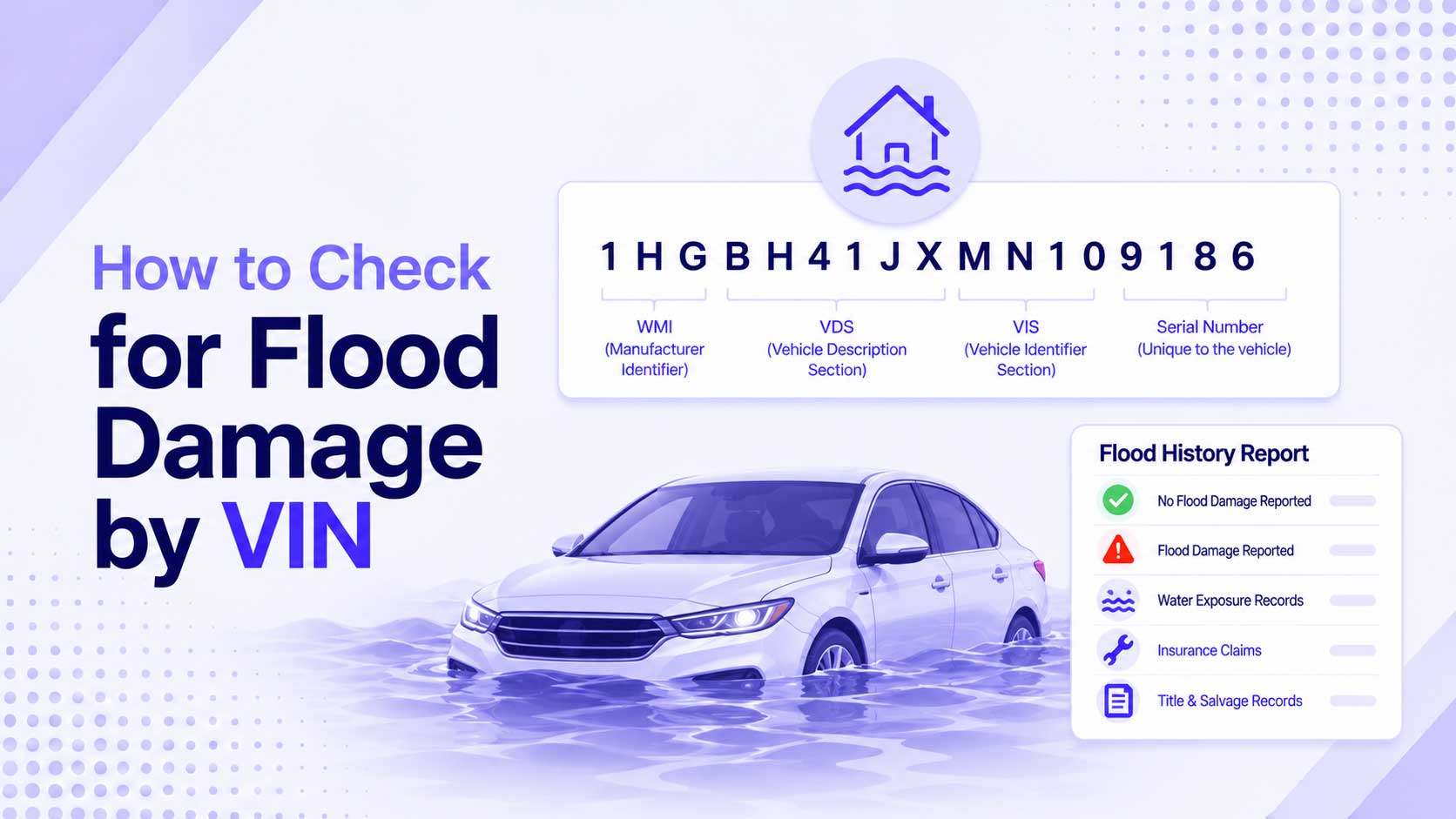
Flood-damaged cars are one of the nastiest traps in the used market. Water wrecks electronics and corrodes wiring in ways that surface months later, and after a major storm, thousands of flooded cars get cleaned up and quietly resold across the country. The VIN is your first line of defense. It ties the car to title and total-loss records that often flag flood damage, and it points you to what to inspect. Here is how to check.
Why Flood Cars Are So Dangerous
Water and cars do not mix. A flooded vehicle can look and drive fine at first, then fail in expensive, unpredictable ways: corroded electrical connectors, failed airbag modules, moldy interiors, seized brakes, and engine damage. The problems often appear long after the sale, which is exactly why sellers rush to move these cars before the damage shows.
The good news is that serious floods usually create a paper trail, and the VIN is how you find it.
What the VIN Connects To
The VIN does not store flood status inside its 17 characters. It is the identifier that databases file records under. For flood damage, the key records are:
| Record | What it can show |
|---|---|
| Title brands | “Flood,” “water damage,” or “salvage” on the title |
| Total-loss records | Insurer declared the car a loss after flooding |
| NMVTIS | Title and brand data pulled across states |
| Insurance claims | Flood-related claims and payouts |
A flood title brand is the clearest signal. It means a state or insurer officially recorded water damage. Read more on how brands work in what a salvage or rebuilt title VIN tells you.
How to Run the Check
- Get the VIN and confirm it is real with our VIN Validator, so you are pulling the right car’s records.
- Decode it with the VIN Decoder to confirm the make, model year, and country match the listing.
- Pull an NMVTIS report through an approved provider. This is the official source for title brands, including flood and salvage.
- Check the title itself. A brand of flood, water damage, salvage, or “junk” is a direct warning.
- Watch for title washing. Some sellers move a car between states to drop a brand from the paperwork. If the title history jumps states around a known flood date, be suspicious.
The Title Can Lie: Inspect the Car
Records catch flood cars that were reported, but plenty are cleaned up and sold before any brand is applied. That is why a physical inspection matters as much as the paperwork. Look for:
- A musty or heavily perfumed smell. Mold, or an air freshener hiding it.
- Water lines or silt under the carpet, in the trunk, or in the spare-tire well.
- Rust in odd places: seat rails, under the dashboard, on screw heads and brackets.
- Fogging or moisture inside headlights and interior lights.
- Dirt or grit in hard-to-clean spots like wiring connectors and seat tracks.
- Mismatched or brand-new carpet in an otherwise older car.
Any one of these is a reason to walk away or get a professional inspection before buying.
After a Major Storm, Check Twice
Flooded cars spike after hurricanes and floods, then spread nationwide as they are trucked to markets far from the disaster. If you are shopping in the months after a big storm, assume flood cars are in the mix and check every candidate. The combination of an NMVTIS report and a careful inspection catches the large majority.
Because flood damage overlaps with total-loss and salvage records, the same checks you would run for a wreck apply here. See how to check a car’s accident history by VIN for the full record-pulling routine.
Start With the VIN
A flood car can cost you thousands after the sale, and the VIN is how you avoid one. Confirm the VIN with our VIN Validator, decode it with the VIN Decoder, pull the title and NMVTIS records, and inspect the car in person. If the paperwork or the smell feels off, trust it and move on.
Keep Reading
- What a Salvage or Rebuilt Title VIN Tells You
- How to Check a Car’s Accident History by VIN
- How to Check If a Car Is Stolen Using the VIN
- Where to Find Your VIN: Every Location on Your Vehicle
Free VIN tools: VIN Generator · VIN Decoder · VIN Validator · Bulk Generator · QR Code Generator · Visualizer