VIN QR Code vs Barcode: Which Survives Scratches and Dirt?
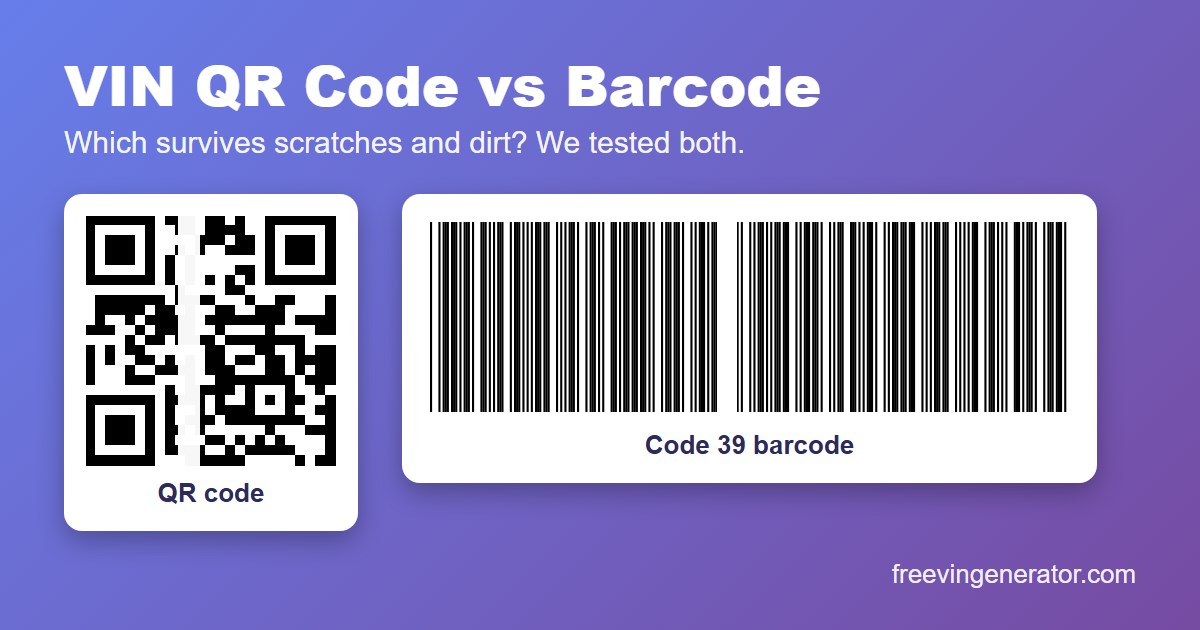
A common claim is that a QR code beats a barcode because it has error correction. A VIN label lives on a windshield, a door jamb or a key tag, so it gets scratched, peeled and dirty. We wanted to know if the claim holds, so we damaged both kinds of code on purpose and counted what still scanned.
The answer is not “QR wins”. It depends on where the damage lands.
The Short Answer
- A scratch along the barcode’s length: the barcode kept working every time, even with 30% of its height wiped out. The QR code was mostly gone by 10%.
- A cut across the barcode: a thin vertical cut, only 5% of its width, killed it every time. The QR code survived about half to two thirds of the time.
- A peeled corner or a smear: up to about 10% damage the barcode read almost every time and the QR code about half the time. By 20% both had mostly failed.
- Faded ink: the barcode reader coped with much paler ink than the two QR readers.
How We Tested
We used 20 real-looking VINs and drew each one as a QR code and as a Code 39 barcode, the same kinds our VIN QR code generator and VIN barcode generator make. The QR code is 25 by 25 squares at error correction level Q, which can rebuild up to about a quarter of the data. The barcode has 100 pixel tall bars.
Then we damaged each one in five random places per VIN, so every row below is 100 tries. We added a little blur and sensor noise, as in our size test, and ran the picture through two open-source readers: ZXing and jsQR for the QR code, and ZXing for the barcode. A result is a success only if the VIN came back exactly right.
One limit up front. These are software readers and simulated damage, not a phone or a warehouse scanner. Treat the numbers as a comparison, and scan a real printed sample before you print a batch.
Test 1: A Scratch Across the Code
We wiped a white band across the whole code, once running up and down and once running side to side. The percentage is how much of the code’s width or height the band covered. Each cell shows how many of 100 tries still read.
Vertical band, which cuts the barcode’s bars:
| Band covers | QR (jsQR) | QR (ZXing) | Barcode (ZXing) |
|---|---|---|---|
| 5% | 70 | 51 | 0 |
| 10% | 20 | 23 | 0 |
| 15% | 5 | 6 | 0 |
| 20% | 1 | 0 | 0 |
| 30% | 0 | 0 | 0 |
Horizontal band, which runs along the barcode’s bars:
| Band covers | QR (jsQR) | QR (ZXing) | Barcode (ZXing) |
|---|---|---|---|
| 5% | 71 | 45 | 100 |
| 10% | 11 | 8 | 100 |
| 15% | 1 | 1 | 100 |
| 20% | 0 | 0 | 100 |
| 30% | 0 | 0 | 100 |
The barcode is a stack of identical bars, so a scanner only needs one clean line across them. A scratch along the bars leaves plenty of clean lines. A scratch across the bars removes part of the pattern, and a Code 39 barcode has no way to rebuild what is missing.
Test 2: A Peeled Corner or a Smear
Next we covered a block of the code, in white to mimic a peeled patch and in dark grey to mimic a grease smear. The percentage is the share of the code’s area.
White patch:
| Patch covers | QR (jsQR) | QR (ZXing) | Barcode (ZXing) |
|---|---|---|---|
| 5% | 61 | 66 | 97 |
| 10% | 49 | 54 | 93 |
| 15% | 6 | 7 | 57 |
| 20% | 0 | 0 | 18 |
| 30% | 0 | 0 | 0 |
Dark smear:
| Smear covers | QR (jsQR) | QR (ZXing) | Barcode (ZXing) |
|---|---|---|---|
| 5% | 66 | 71 | 100 |
| 10% | 53 | 65 | 97 |
| 15% | 5 | 14 | 56 |
| 20% | 0 | 0 | 17 |
| 30% | 0 | 0 | 0 |
This is the surprise. The QR code has error correction and still did worse. The likely reason is its three big squares in the corners. A reader uses them to find the code and work out its angle. Error correction can rebuild missing data, but it cannot rebuild a corner square. A patch over one of them ends the scan, however small the patch is. A patch in the middle is far less harmful.
Test 3: Faded Ink
Last, we turned the black ink gradually grey, as sun and age do to a label. The table counts the VINs out of 20 that still read.
| Ink colour | QR (jsQR) | QR (ZXing) | Barcode (ZXing) |
|---|---|---|---|
| Black | 20 | 20 | 20 |
Dark grey #3C3C3C |
20 | 20 | 20 |
Grey #646464 |
0 | 0 | 20 |
Grey #828282 |
0 | 0 | 20 |
Light grey #A0A0A0 |
0 | 0 | 20 |
Pale grey #BEBEBE |
0 | 0 | 20 |
Read this one with care. These two QR readers are strict about contrast, and a phone camera app is usually more forgiving than either. But the direction is clear: low contrast is the QR code’s weak spot in our test, and the barcode reader read bars that were already pale.
What About Tilt and Size?
Our earlier size test found the opposite weakness. A QR code read at every angle we tried, up to 90 degrees. A Code 39 barcode stopped reading once it was tilted by about 8 to 20 degrees, depending on how tall the bars were. A barcode also needs a wider label, roughly 58 mm at 300 dpi, where a QR code fits a much smaller square.
Which One Should You Print?
| Situation | Better choice | Why |
|---|---|---|
| People will scan with a phone | QR code | Phone cameras read it without an app, at any angle |
| A scanner gun reads the label | Barcode | Some handheld scanners read only 1D barcodes, so check yours |
| The label is small, such as a key tag | QR code | It needs far less space |
| The label may scratch along its length | Barcode | Sideways wear leaves clean lines to read |
| The label sits where it can be cut or peeled | Both | Neither survives a clean cut across it |
For most shops the safest label carries a QR code, a barcode and the VIN as plain text. If one fails, the others or a person reading the digits still work. The VIN label maker puts all three on one label at the real size, and VIN labels for key tags and window stickers shows what fits where.
Keep Reading
- How Small Can a VIN QR Code or Barcode Be and Still Scan?
- VIN Labels for Key Tags and Window Stickers: What Fits
- How to Create a VIN Barcode
- How to Create a VIN QR Code
- VIN QR Code: Safe or Fake? 5 Checks Before You Trust It
Free tools: QR Code Generator · Barcode Generator · Label Maker · VIN Validator